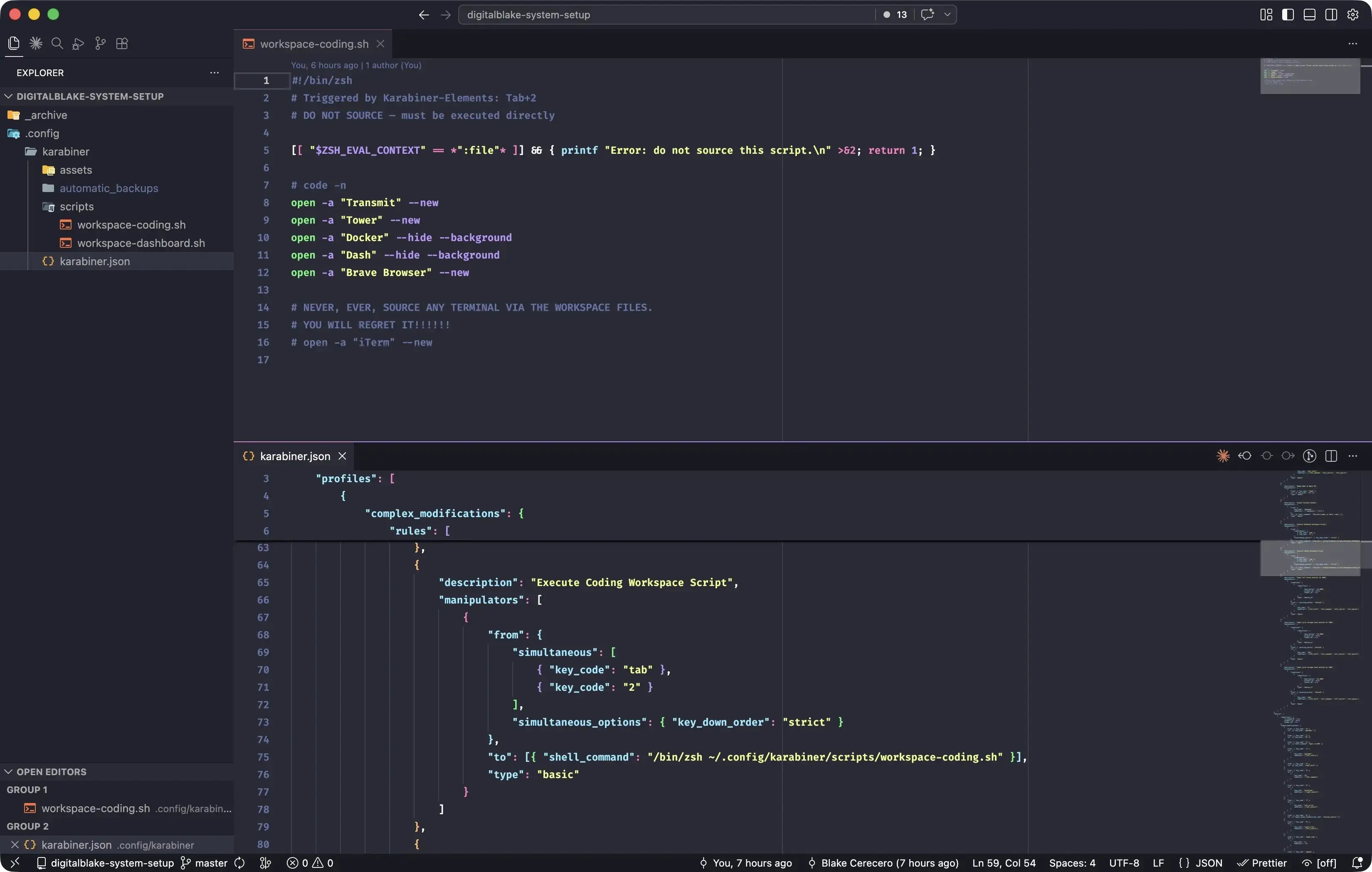
So I had a fun evening. I accidentally shell-bombed myself. Word to the wise: when you’re having an LLM refactor code in your own shell or dotfiles, be absolutely sure it doesn’t accidentally cause a situation where every time a shell opens, applications automatically launch, including more shells.
I use a tool called Karabiner Elements to remap keys on my keyboard. One of those remaps triggers my workspace files, so when I press Tab+1 or Tab+2, a specific set of applications automatically launches. Lazy? Yes. But I’d rather not manually reopen the same applications every time I reboot.
Where things went sideways: I had Claude refactor and reorganize some shell functions that had accumulated over the years into more manageable, separate files. It did a good job overall, but it accidentally sourced my workspace files, which lived in the same directory.
Every time I booted my computer, all my applications (including more terminal instances) would launch in an infinite loop, crashing the system. The fix was to boot into macOS Recovery Mode, mount my partition, use Vim to comment out the offending source lines, and reboot.
I didn’t initially know how to mount my drive from Recovery Mode, and nearly panicked when I couldn’t find my user files. Some quick Googling on my phone gave me the command I needed:
# Holding down the power button on M1 Apple Silicon Macs will get you into the
# boot options. Just choose the option that's not your boot drive to then get
# to the terminal in the recovery mode to run this command.
diskutil apfs unlock "NAME_OF_YOUR_DRIVE"
Love Claude, love LLMs. They’re amazing, powerful tools. Just don’t be an idiot like me. Always double and triple-check the changes these tools make to your dot files before you lock yourself out of your own system.