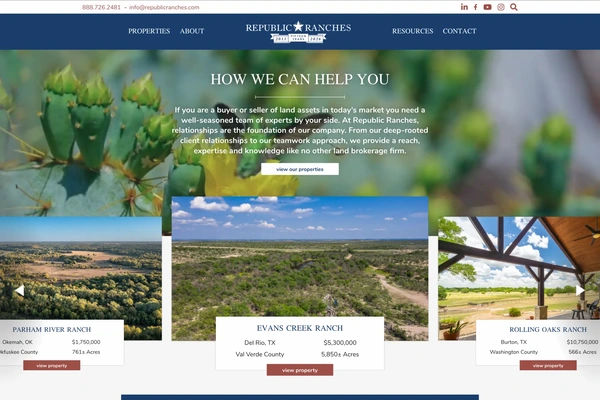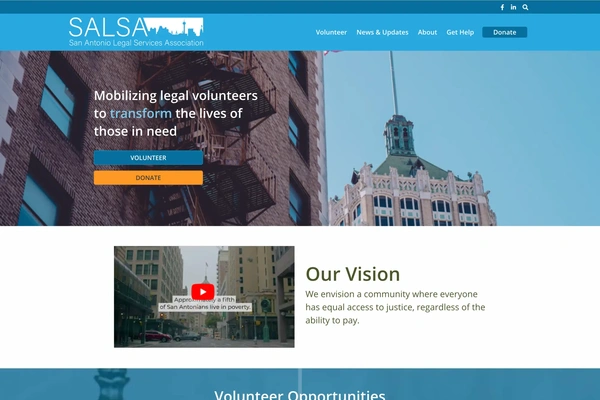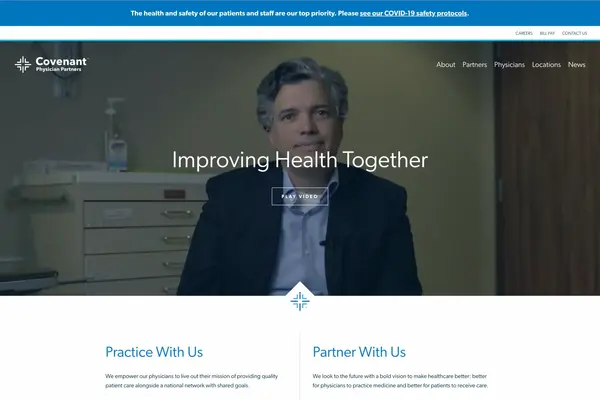
TXN Bank is a community bank with ten branches in central Texas, running west of San Antonio out to Uvalde. It exists because of a local bank merger between Hondo National Bank, which was chartered in 1901 as First National Bank of Hondo, and Community National Bank, which opened in 1984. The merged bank needed a site on a new domain, so it was a new build, not a redesign of either bank’s site. I built it at Gray Digital Group between December 2021 and January 2022, ahead of February 22, 2022, the date customers of both banks started being sent to the TXN Bank site. It was the last deployed project I worked on at the agency. I did the design, the development, and the QA, with Aurora Ramirez as the account executive and Richard Baugh as the production director.
The client had already worked out the new branding in print, and what they handed us were pamphlets and flyers. The logo came as a vector file, which I used on the site as an SVG, while the navy and orange branding, alongside the type choices, came from the print assets. We used an SVG wherever one could be utilized to maintain sharpness on high-resolution displays. The only exceptions to this are the FDIC and Equal Housing Lender logos in the footer, which were provided only as PNG.

The pamphlet had edge sections with flare marks on them, and they fit the edges of the home page carousel, so I built those marks into the carousel frame. The marks sit on top of whatever slide image gets uploaded, so an author only has to pick a background image. The carousel runs on slick.js with arrows, pagination dots, and a pause on hover so a reader gets more time before the next slide. On mobile the slide text moves on top of the image at a reduced size. Building it today, I would add a pause button that works for both keyboard and mouse.
The site is built on WP Foundation 6, which is a WordPress starter framework I built on my own hours outside of Gray. It runs Docker so that everyone on the team develops against the same server environment, with MariaDB for the database and Nginx configured to match what WP Engine runs in production as closely as I could get it. The theme layer has webpack, PostCSS, and linting for PHP code smells, JavaScript through ESLint, and stylesheets through stylelint. Everything built on it starts at WCAG 2.1 AA, which was also a regulatory requirement for TXN Bank. We tested with scanning software first and then did a manual pass over the site.

Superfish runs the drop-down on every top-level item in the main navigation, which gave us hover and keyboard focus behavior on the entire menu without writing that behavior ourselves. The search is WordPress core search with the input moved into an overlay that opens from the icon in the header, and clicking that icon a second time closes it. Focus is not held inside the overlay, so a keyboard user tabs out of the overlay and into the page.
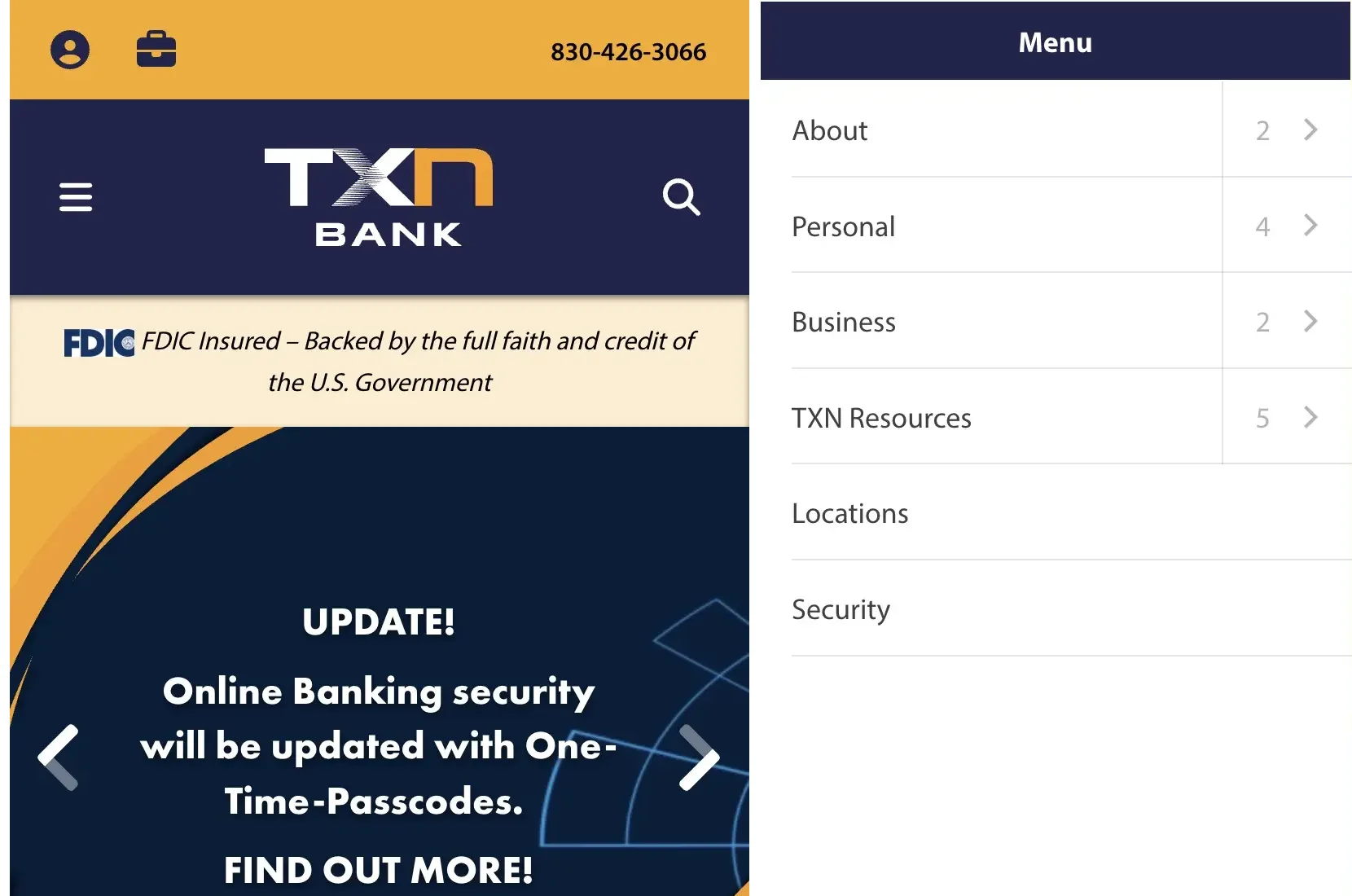
On mobile the navigation is mmenu.js, sliding in from the side, and each parent row carries both a link to its own page and an arrow that opens its sub-pages, so the About row goes to the About page and the arrow next to it opens the pages under About. Each parent row also shows how many sub-pages it holds.
Every link that pointed off the domain had to show the user a warning that they were leaving the site. I wrote the warning in JavaScript, checking each link against the site’s own domain and showing an alert on any that didn’t match, which reads:
You are leaving the TXN Bank’s website and will be redirected to another site. TXN Bank makes no endorsements or claims about the accuracy or content of the information contained in these sites. The security and privacy policies on these sites may be different from those of TXN Bank.
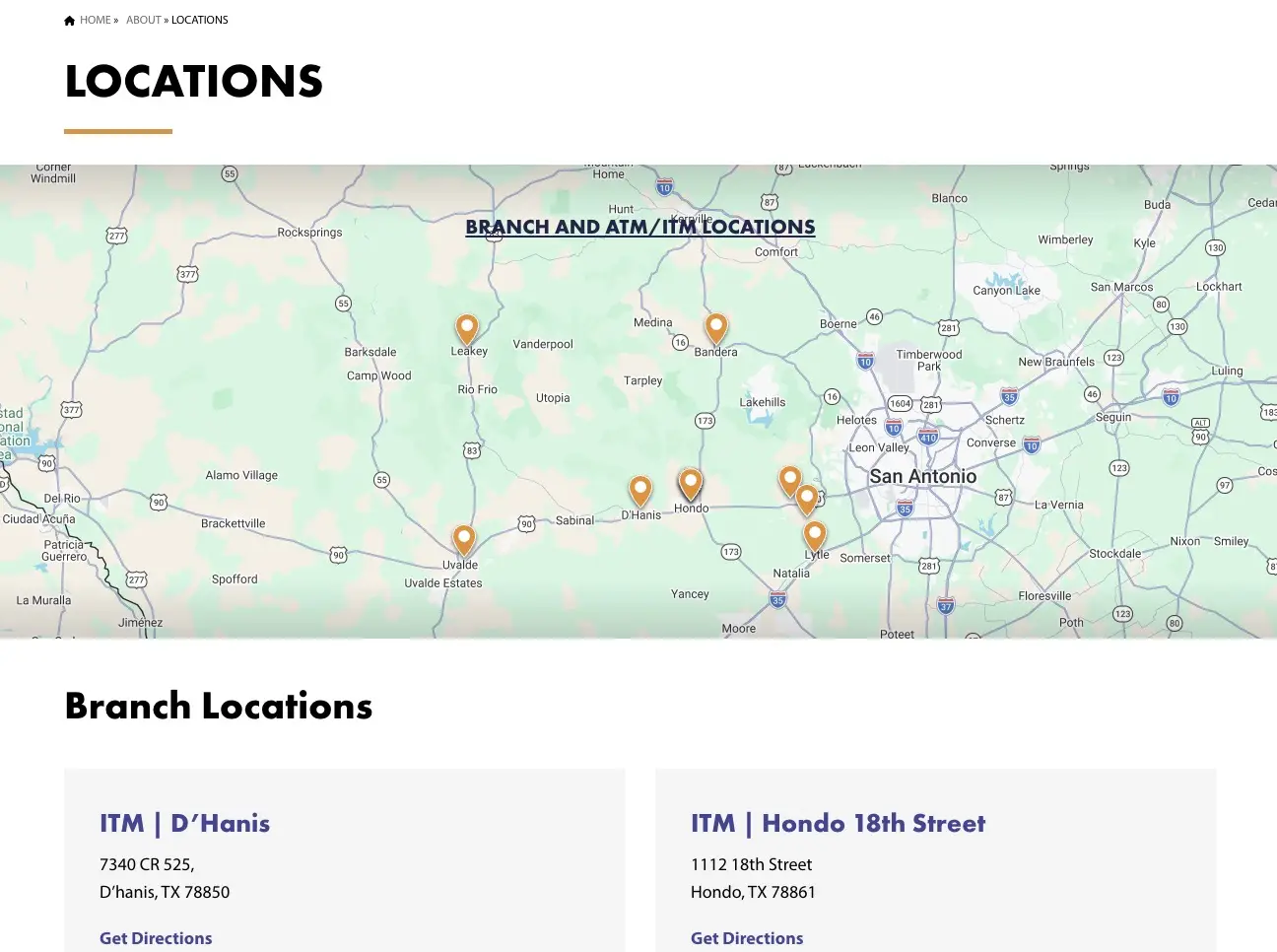
Locations are a custom post type with each entry holding the title, street address, mailing address, lobby hours, Breeze Banking hours for the interactive teller machines, phone, and fax, all editable on the backend of the site. There are dedicated latitude and longitude fields to set a location’s exact pin on the map, while the address fields are used to display the field data to the front-end user. Every branch gets its own page and a row on the locations listing, so both can be indexed and a search for one town returns that branch page instead of the full list, while the branch page uses structured markup describing the location. There are custom-designed pin markers integrated into the embedded Google Map, and the client can edit each location as needed on the backend. The map is a visual indicator of where the branches are located, while each branch page carries the same address and hours as text, so nobody has to read the map to get a branch’s address and hours.
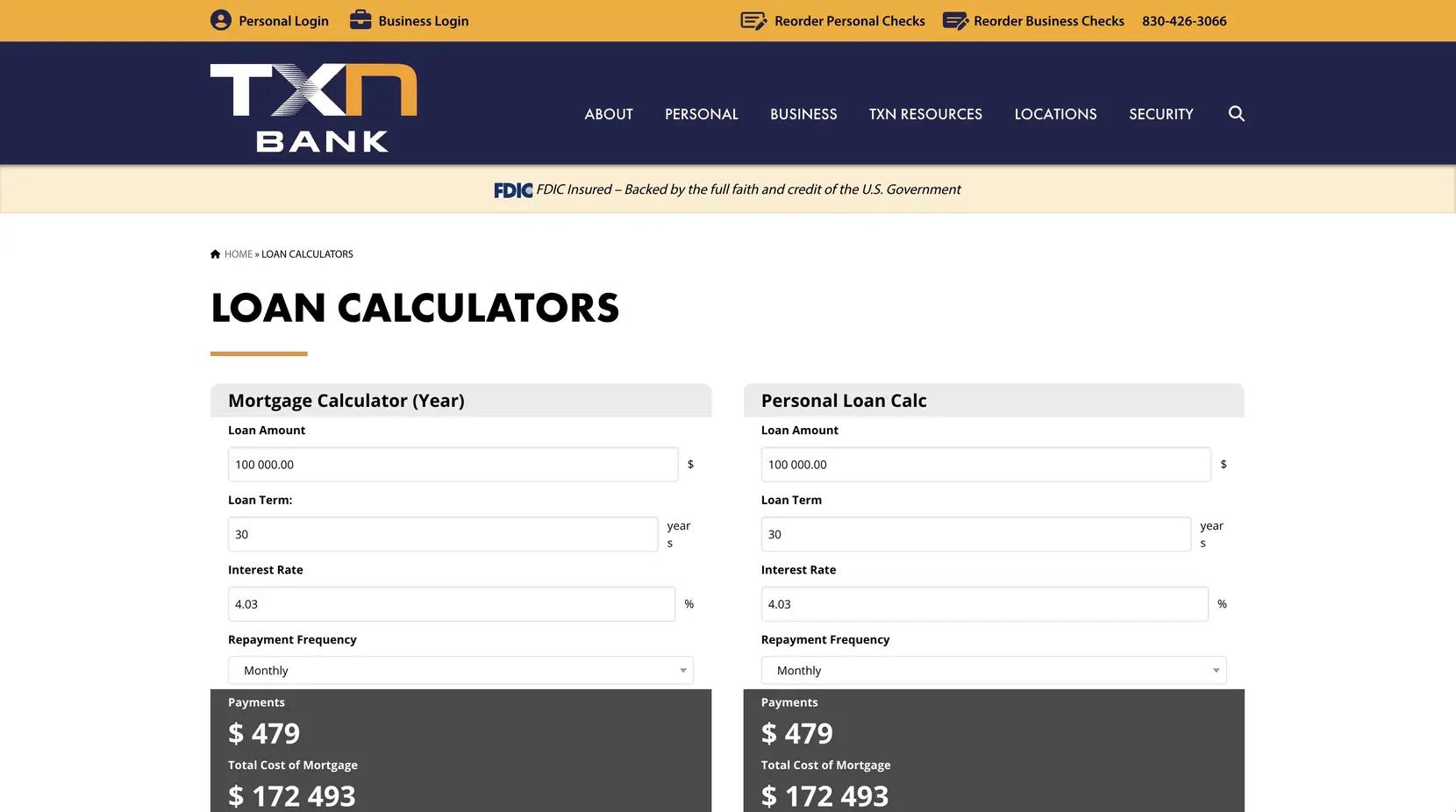
The mortgage calculator and the personal loan calculator run on Calconic, which the client brought to us, and it keeps the rates and the math editable by the client without a developer. Calconic embeds directly into the page instead of loading in an iframe, which is why it was chosen over the alternatives, and embedding meant we could override its styles from our own stylesheet when we needed to. We did very little overriding and left the calculators close to their default appearance.

There are six forms on the site, all of them powered by Gravity Forms:
- Personal Accounts and Loans
- Personal Customer Identification
- Personal Loan Application
- Residential Loan Application
- Business Customer Identification
- Wire Transfer Worksheet
The largest of these forms is the Residential Loan Application, with 17 steps. Gravity Forms has a lot of accessibility behavior built in, which made getting the forms to WCAG 2.1 AA easier than building the fields by hand. A large part of the forms is conditional, so fields and whole sections stay hidden depending on what was answered earlier, and some sections can be repeated up to a limit. When the PDF did not have enough repeated sections for what a user entered, they had to submit an addendum alongside the form. Google reCAPTCHA v3 runs on all of them. Restricting field types to integers, strings, and the like allowed us to more easily integrate the data into the PDF when it got to WebMerge.
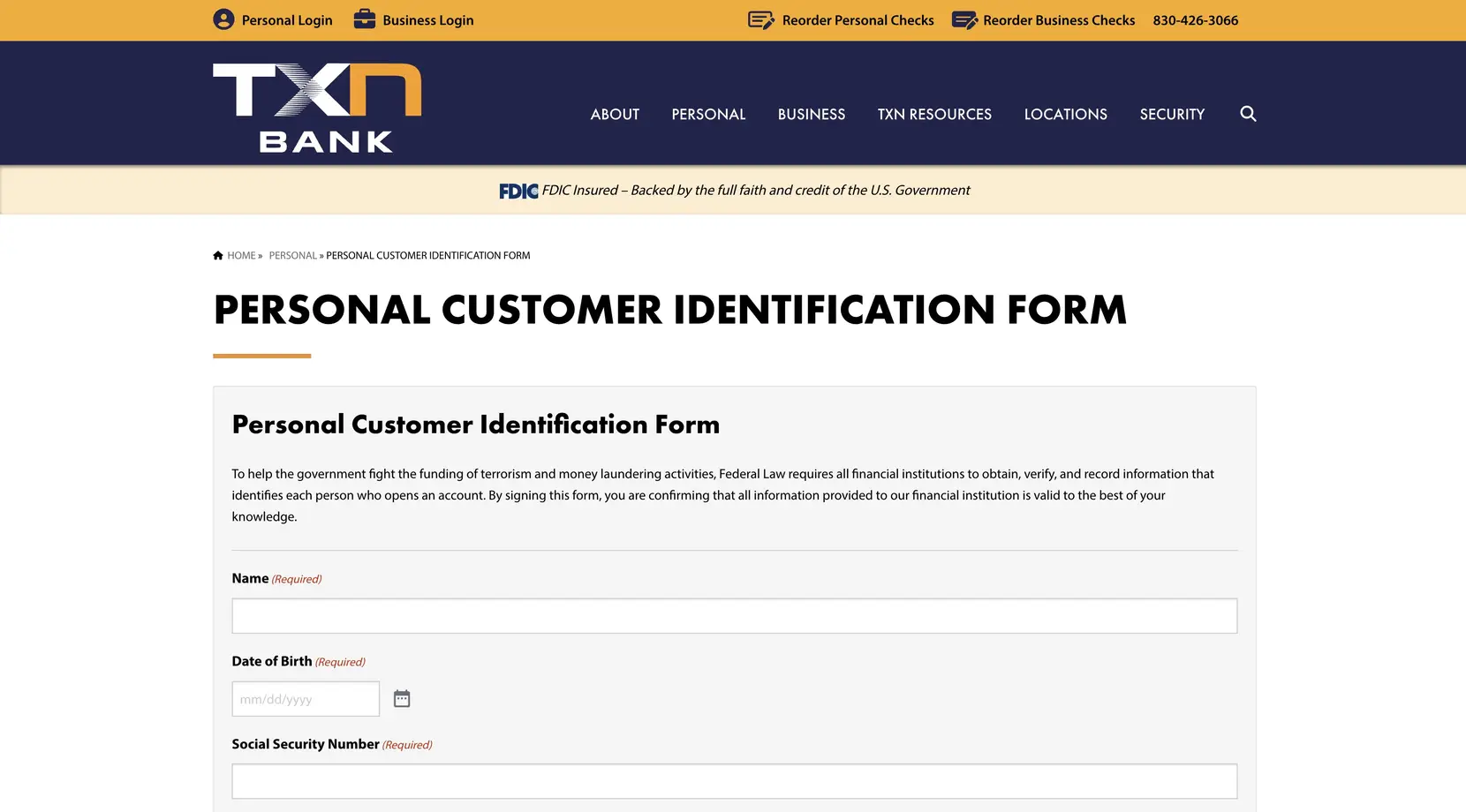
None of the form data is stored in WordPress. The WordPress database on WP Engine is not a suitable place to keep personally identifiable information (PII), so on submit the entry goes out over the API to WebMerge, which Formstack had acquired in 2019. WebMerge merges the submitted data into the bank’s PDF version of that application and sends the finished PDF to DocuSign, which emails it to the address collected on the form so the applicant can sign it. The intent was that the bank’s staff would handle fewer PDFs directly, with the signed documents kept in DocuSign. One downside to keeping the documents in DocuSign is that it creates a level of vendor lock-in, but it’s how we kept the PDFs out of any other service to prevent PII exposure.
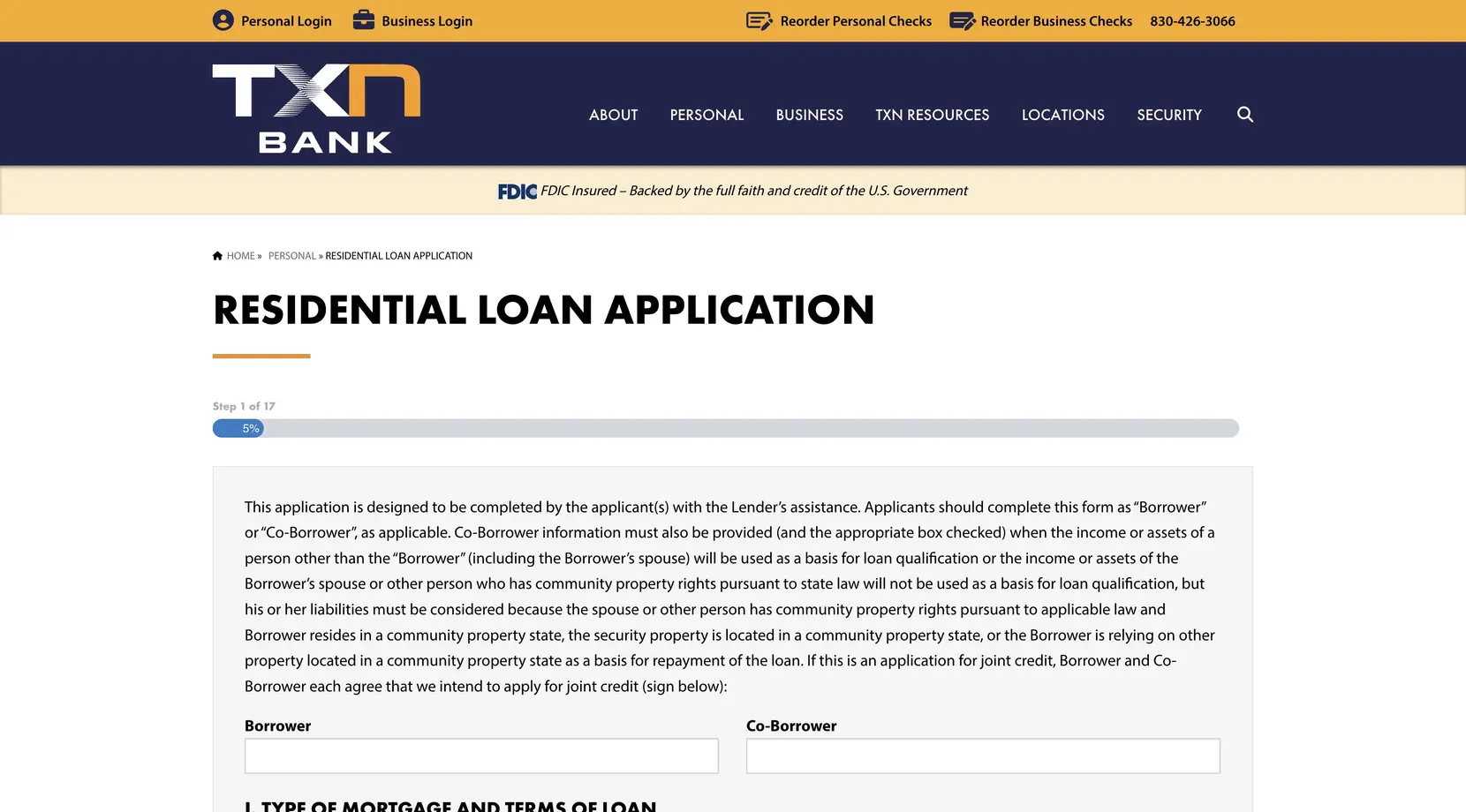
Making the merge work meant every field on the PDF needed an ID that matched one field on the Gravity Form, one for one, and the field types had to match so the data went into the right place. The IDs on the PDFs we were given were often duplicated or incremented off each other, so I opened each PDF in Adobe Acrobat, went into edit mode, and changed the ID on every field by hand. Some of these forms have hundreds of fields, and the tedium wore me down more than any other part of the project. It was 2021, so there was no AI to automate the mapping.
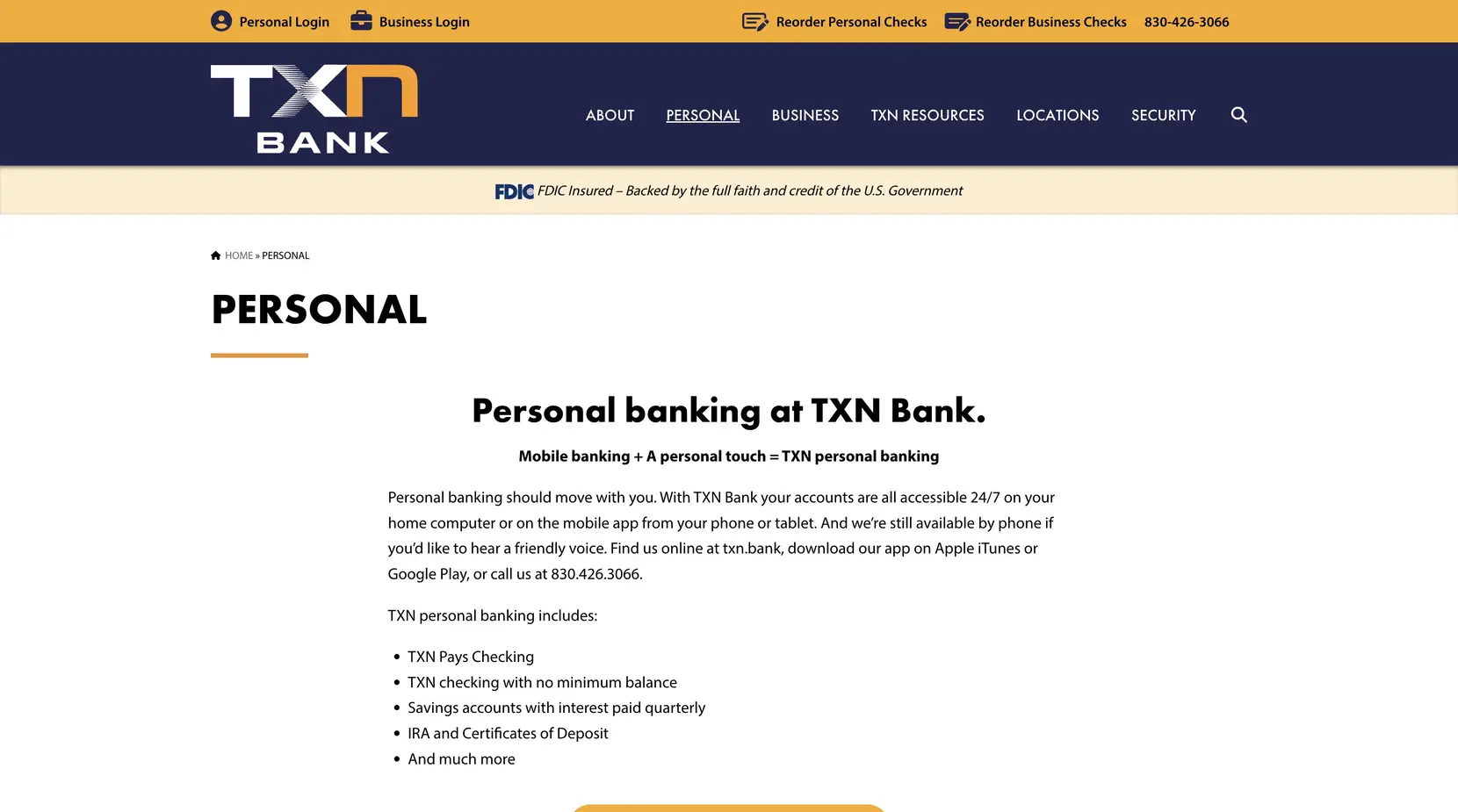
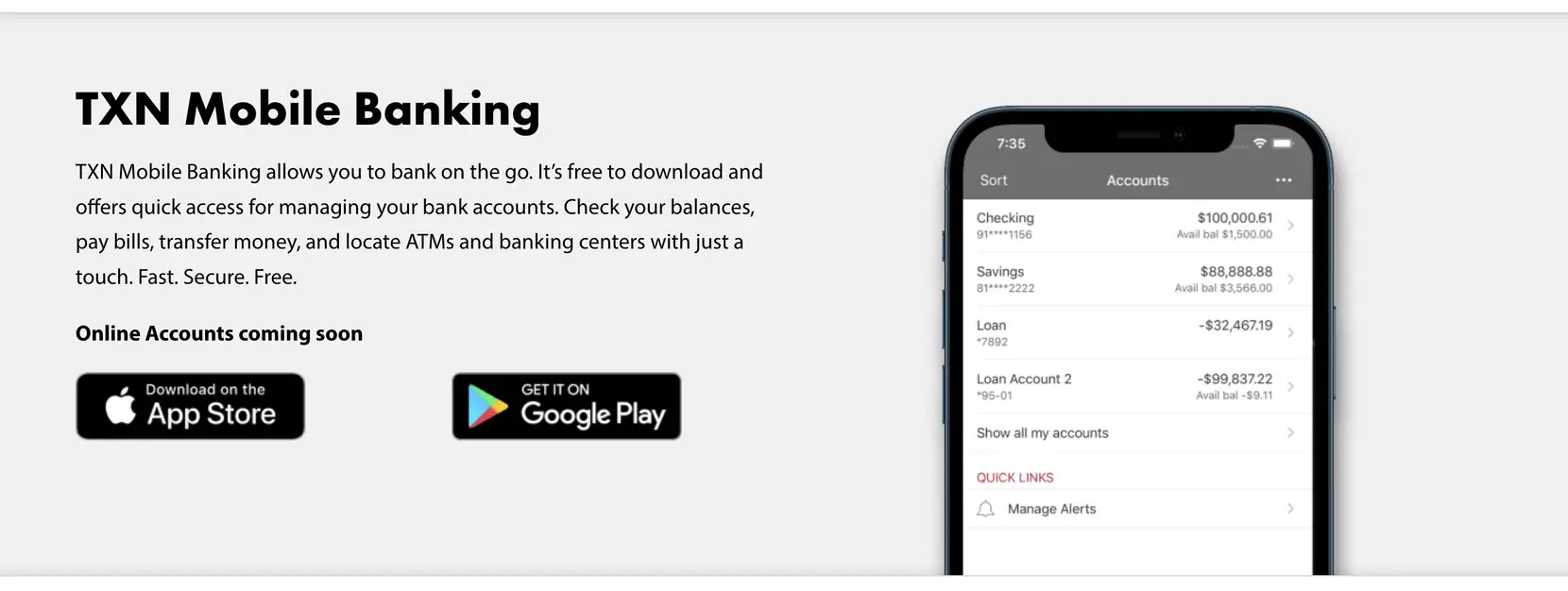
The site is about twenty pages, with the content provided by TXN. Once we integrated the content into the site and TXN signed off on the integration pass, I ran the final QA and we launched. WP Engine was the hosting provider, where the WordPress files and database lived. We utilized WP Engine’s three environments for development, staging, and production, so changes went up for the client to review before anything reached production. Cloudflare sits in front of it as the CDN so a visitor away from the WP Engine region still gets a cached copy quickly, and Sucuri runs at the edge as the firewall.
There are two things in the build I would do differently. First, we loaded the Font Awesome icons via their CDN integration, which causes a slight delay on page load. I would go back and manually export each icon needed and load them via the site’s build system, avoiding the delay. Second, there are clearly issues today with the home page carousel where the text isn’t fitting as the original design intended. I would like to go back and make the height of the carousel dynamic so that it’s more flexible, and on the backend provide limits on character count so that the slides cannot be overloaded.
Impact: A new site on a new domain, ready before the two banks combined, built to WCAG 2.1 AA, with SVG logos and icons that stay sharp at any size, ten branch pages carrying structured markup, and six forms that customers complete and sign online instead of printing a PDF, with none of their personal information stored in WordPress.